Professional alternatives to "per my last email": 12 ways to nudge without the attitude

By: Author
Published: April 7, 2026
Professional alternatives to "per my last email": 12 ways to nudge without the attitude

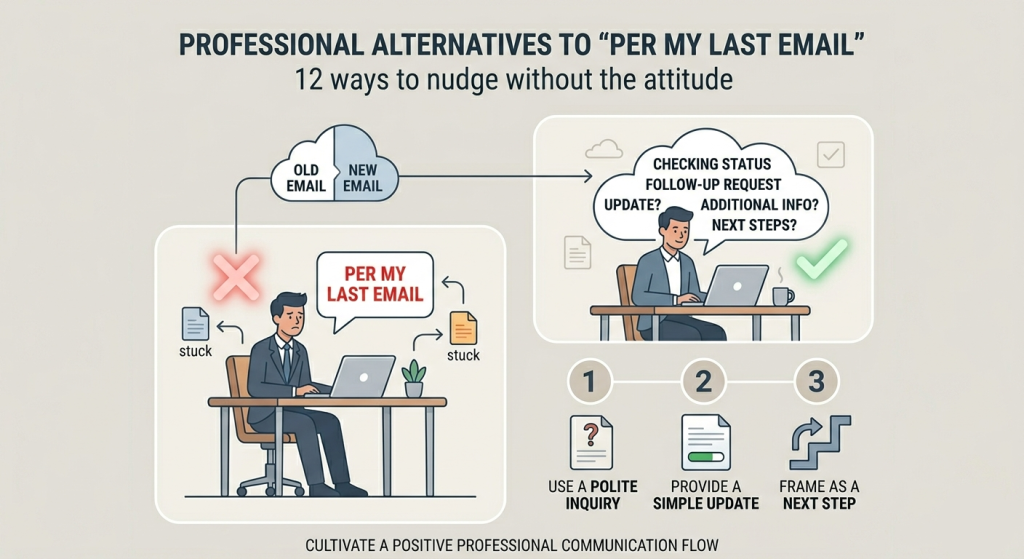
"Per my last email" has become the ultimate corporate red flag for passive-aggression. While your frustration might be valid, letting it seep into your prose rarely gets you a faster answer—it just gets you a reputation. This guide breaks down 12 high-impact alternatives that get results while keeping your professional relationships intact. Want to know how to handle someone who consistently 'ghosts' your emails?"

The Hidden Meaning of Corporate Speak

In 2026, digital communication is faster and more fragmented than ever. When you use the phrase "per my last email," the recipient doesn't just read the words; they hear: "I already told you this, and you're wasting my time."

While it's technically accurate, it creates a defensive posture in the reader. Effective collaboration requires a "graceful exit"—a way for the other person to admit they missed something without feeling scolded.

Category A: The "Graceful Exit" (Gentle)

01. The "Buried" Nudge

"I wanted to bring this back to the top of your inbox in case it got buried."

02. The "Questions" Check

"Following up to see if you had any questions on the details I sent over on Tuesday."

03. The "Alignment" Ping

"Re-sending this to ensure we're on the same page before I move to the next phase."

Category B: The "Deadline Driver" (Firm)

When you need a hard answer, tie the nudge to an objective project milestone rather than your personal frustration.

04. The "Timeline" Tie-in

"To stay on track for our Friday launch, I’ll need your input on this by 4 PM."

05. The "Finalize" Prompt

"Just a reminder that we need your approval to finalize the Q3 budget by EOD."

06. The "Milestone" Loop

"Looping back as we're approaching the cutoff for the vendor selection process."

Category C: The "Collaborative Pivot"

07.

"I know you're busy—would it be easier to jump on a 5-minute call to knock this out?"

Why it works: It offers to remove the "work" of typing a complex reply.

08.

"If you haven't had a chance to review the full doc, the key takeaway is [Point X]. Does that work?"

Why it works: It summarizes the information for them, acting as a "TL;DR" nudge.

09.

"Is there anything I can clear up on my end to help move this forward?"

Why it works: It shifts the "blame" for the delay to potential ambiguity in your original message.

Internal & Peer-to-Peer (Quick Pings)

10. "Quick nudge on the below!"

11. "Any updates on this one?"

12. "Bumping this thread."

Rude vs. Productive: The 2026 Shift

The "Nuclear" Option The Professional Pivot The "Why"
"Per my last email..." "Circling back to the point about..." Focuses on the content, not the sender's memory.
"As previously stated..." "To reiterate the timeline we discussed..." Frames it as a shared agreement rather than a lecture.
"Please advise." "Let me know how to proceed so I can [Action]." Explains the dependency — your work is stalled without them.

Refine Your Tone Instantly

If you're worried your draft sounds a bit too "spicy," try these three rewrites based on your desired relationship outcome.

Gentle

"Just popping this back up in your queue!"

Firm

"Following up as this is the final blocker for the project."

Collaborative

"Is there more info you need from me to finalize this?"

Tags: How to Newsletter
Last updated: April 16, 2026

Recent Posts

How AI Is Changing Email Filtering and How to Adapt

How AI Is Changing Email Filtering and How to Adapt

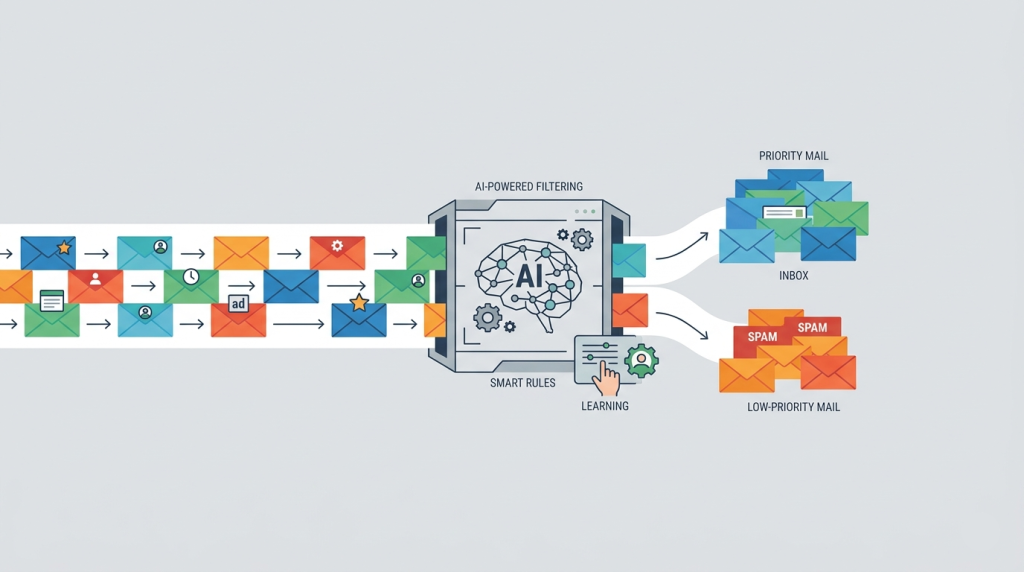
The era of simple keyword-based spam filters is over, replaced by sophisticated AI models that analyze intent and sentiment. This guide breaks down ho

Apr 14, 2026
Email Deliverability
The Ultimate List of Email Spam Trigger Words to Avoid

The Ultimate List of Email Spam Trigger Words to Avoid

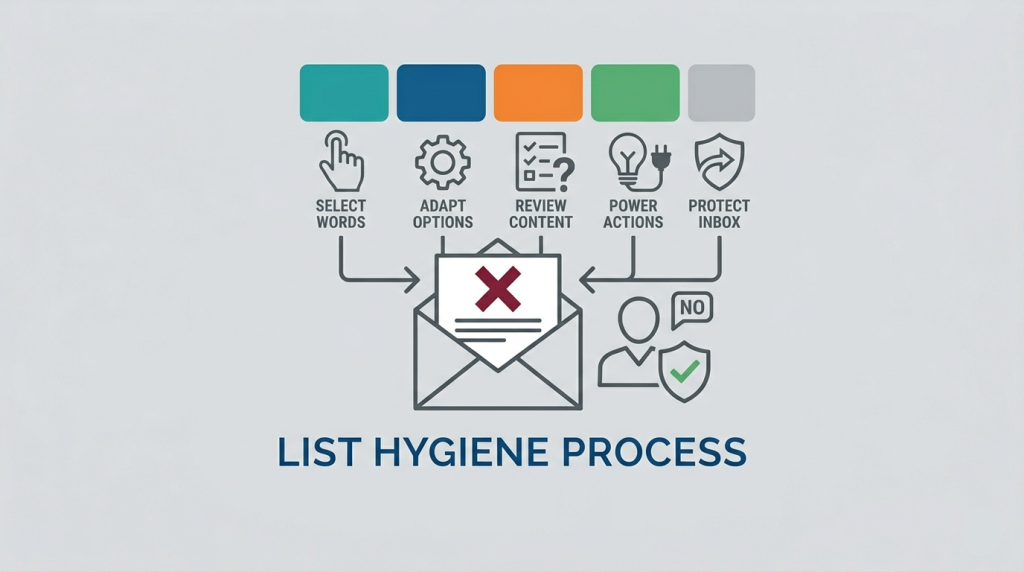
Is your outreach falling into a digital black hole? Discover the definitive list of spam trigger words and learn how modern AI filters evaluate your c

Apr 13, 2026
Email Deliverability Newsletter
Formal email to boss for leave: 3 templates for high-stress work environments

Formal email to boss for leave: 3 templates for high-stress work environments

Requesting time off in a high-pressure environment can feel like navigating a minefield, but it doesn't have to be. This guide provides strategic temp

Apr 12, 2026
Email Templates Business
Writing emails to CEOs: The "3-Sentence Rule" for getting a response from the C-Suite

Writing emails to CEOs: The "3-Sentence Rule" for getting a response from the C-Suite

Executives are inundated with hundreds of emails daily, making brevity your most powerful asset. This guide breaks down the "3-Sentence Rule," a strat

Apr 11, 2026
Cold Outreach
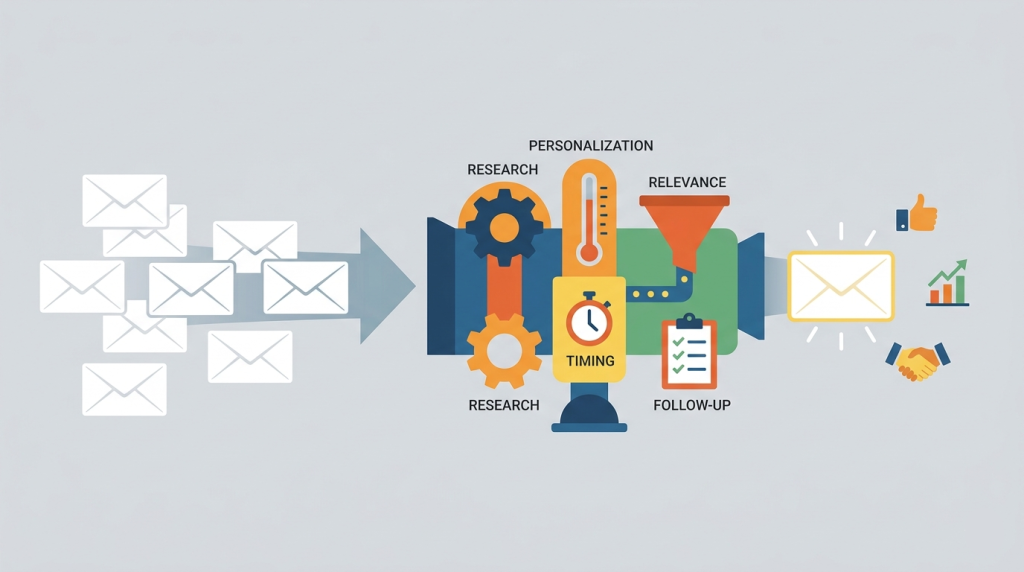
Best Practices for Cold Email Outreach in 2026

Best Practices for Cold Email Outreach in 2026

Cold email has evolved from a numbers game into a precision-based strategy rooted in relevance and trust. This guide explores how to leverage AI-drive

Apr 11, 2026
How to Cold Outreach
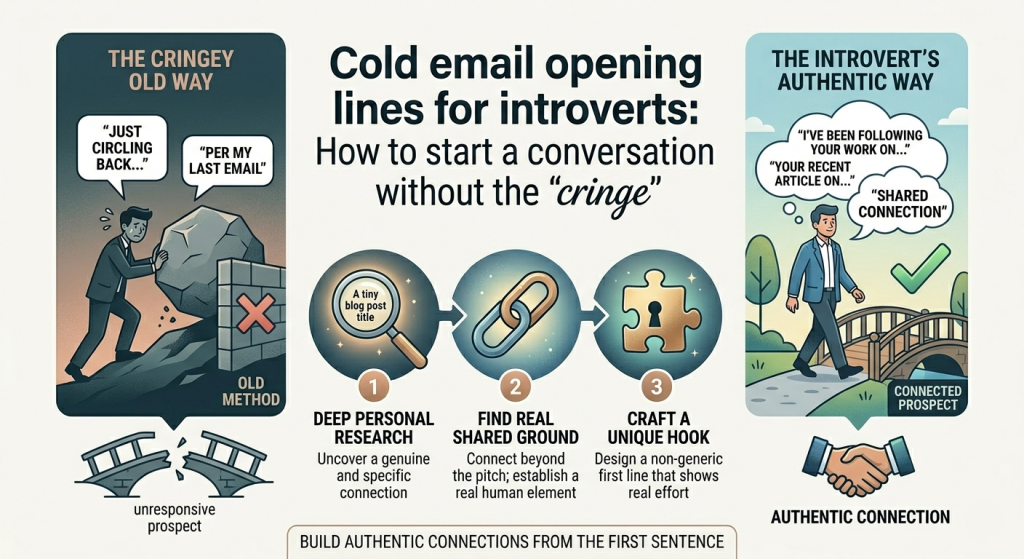
Cold email opening lines for introverts: How to start a conversation without the "cringe"

Cold email opening lines for introverts: How to start a conversation without the "cringe"

Forget the "high-energy" sales pitches. For introverts, the most effective cold email isn't a performance—it's a quiet observation. Learn 12 low-fri

Apr 7, 2026
How to Newsletter
Professional alternatives to "per my last email": 12 ways to nudge without the attitude

Professional alternatives to "per my last email": 12 ways to nudge without the attitude

Per my last email" has become the ultimate corporate red flag for passive-aggression. While your frustration might be valid, letting it seep into your

Apr 7, 2026
How to Newsletter
Google Drive for Desktop Not Syncing? Step-by-Step Fix for File Upload Errors

Google Drive for Desktop Not Syncing? Step-by-Step Fix for File Upload Errors

Google Drive for desktop not syncing? Fix upload failed errors and G: drive connection issues with our 2026 step-by-step guide. Unblock your files now

Mar 24, 2026
How to Google Workspace