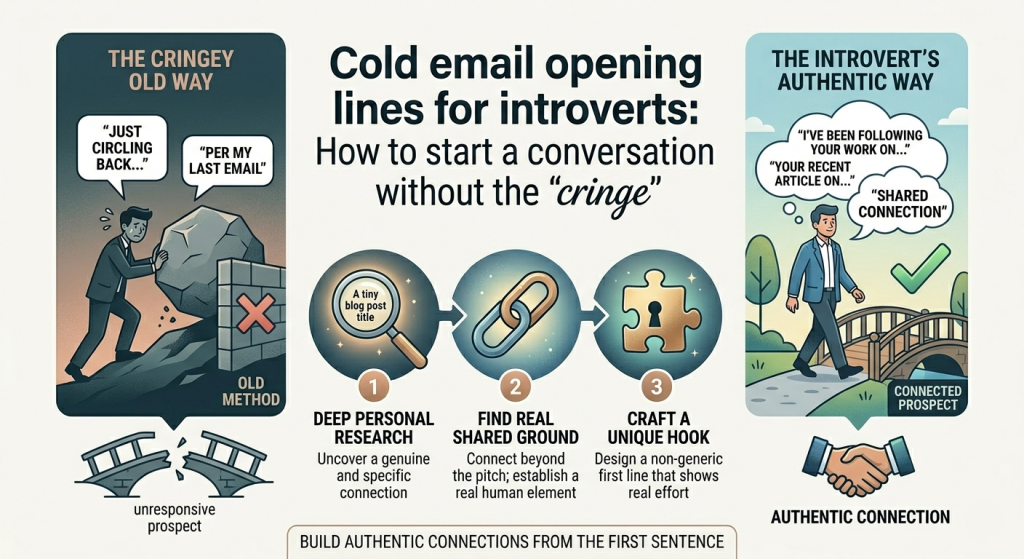
Cold email opening lines for introverts: How to start a conversation without the "cringe"

By: Author
Published: April 7, 2026
Cold email opening lines for introverts: How to start a conversation without the "cringe"

"Forget the "high-energy" sales pitches. For introverts, the most effective cold email isn't a performance—it's a quiet observation. Learn 12 low-friction opening lines that prioritize authenticity over aggression and get responses without the social burnout."

01. Why Introverts Excel at Cold Outreach

The "cringe" happens when there is a gap between who you are and what you're writing. Most cold email advice tells you to be "bold," "disruptive," or "energetic." For an introvert, performing that persona is exhausting and, frankly, obvious to the recipient.

In 2026, sincerity is the new scarcity. Introverts are naturally better at deep research and active listening. Use that. Instead of a "pitch," think of your email as a peer-level observation.

02. The "Quiet Observation" Leads

These work best for networking or reaching out to mentors. They focus on the recipient's work rather than your own needs.

01. The "Specific Impact"

"I read your recent piece on [Topic] and specifically appreciated your point about [Detail]—it changed how I’m thinking about [Project]."

Why it works: It proves you actually read their work and didn't just skim the headline.

02. The "Podcast Follow-up"

"I just finished your interview on [Podcast]. Your perspective on [X] was a breath of fresh air compared to the usual advice."

Why it works: Everyone likes to know their voice was heard and appreciated.

03. The "Tool/Method" Praise

"I’ve been using [Product/Framework] you developed for a few weeks now, and it’s solved a massive headache for my team."

Why it works: Direct feedback on something they built is incredibly rewarding.

03. Shared Context & Mutual Interests

04.

"I noticed we’re both members of [Niche Group/Community]. I’ve been following your contributions there and..."

Best for: LinkedIn or professional Slack communities.

05.

"I saw that you also transitioned from [Industry A] to [Industry B]. As someone currently in that process, I'd love to..."

Best for: Career switchers or peer-level networking.

06.

"Congratulations on the [Recent Launch/Award]. I’ve been following [Company Name] since [Year] and it's great to see..."

Best for: Reaching out to founders or high-level execs.

04. The "Specific Advice" Ask

Introverts often prefer small, structured interactions. Ask for one specific insight rather than "coffee" or "30 minutes of your time."

07. The Micro-Question

"If you had to pick just one book that influenced your [Skill], what would it be?"

08. The "Resource" Check

"I’m looking into [Topic]—do you have a favorite resource for someone just starting out?"

09. The "Perspective" Ask

"I’m stuck between [Option A] and [Option B]. Given your experience with [X], which feels more sustainable?"

Cringe vs. Classy: The Introvert’s Edit

The "Cringe" Lead The "Classy" Alternative Why it Wins
"I'd love to pick your brain over coffee sometime!" "I have a specific question about [Topic]—could I ask it via email?" Lower friction and respects their time (and your energy).
"I know you're busy, but I'll make this quick..." "I’ll jump straight to the point to respect your time." Removes the "apologetic" tone and shows confidence.
"I am reaching out to discuss a collaboration..." "I’ve been following your work on [X] and noticed a gap where I might help." Replaces vague "corporate-speak" with tangible value.

The "Soft Exit" Rule

The most "introvert-friendly" way to end an email is to give the recipient permission not to respond. This paradoxically makes them more likely to reply because the pressure is gone.

"If you're tied up at the moment, no need to reply—just wanted to share my appreciation for your work!"
Tags: How to Newsletter
Last updated: April 15, 2026

Recent Posts

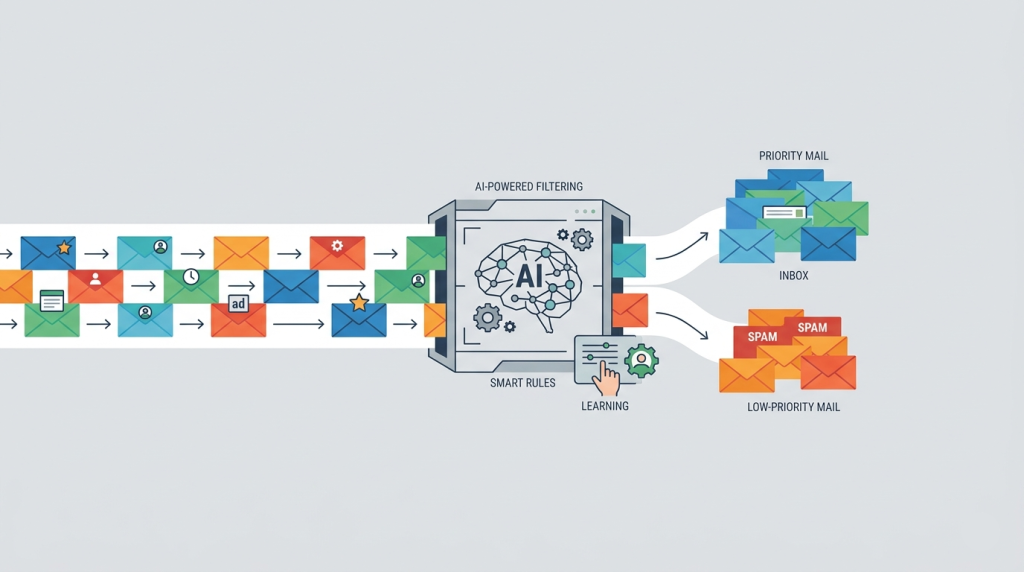
How AI Is Changing Email Filtering and How to Adapt

How AI Is Changing Email Filtering and How to Adapt

The era of simple keyword-based spam filters is over, replaced by sophisticated AI models that analyze intent and sentiment. This guide breaks down ho

Apr 14, 2026
Email Deliverability
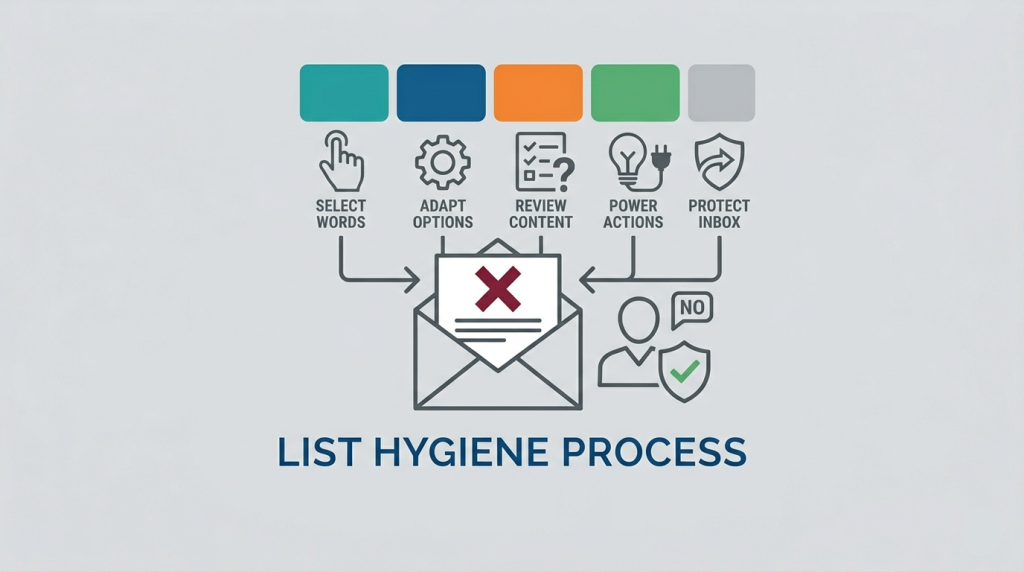
The Ultimate List of Email Spam Trigger Words to Avoid

The Ultimate List of Email Spam Trigger Words to Avoid

Is your outreach falling into a digital black hole? Discover the definitive list of spam trigger words and learn how modern AI filters evaluate your c

Apr 13, 2026
Email Deliverability Newsletter
Formal email to boss for leave: 3 templates for high-stress work environments

Formal email to boss for leave: 3 templates for high-stress work environments

Requesting time off in a high-pressure environment can feel like navigating a minefield, but it doesn't have to be. This guide provides strategic temp

Apr 12, 2026
Email Templates Business
Writing emails to CEOs: The "3-Sentence Rule" for getting a response from the C-Suite

Writing emails to CEOs: The "3-Sentence Rule" for getting a response from the C-Suite

Executives are inundated with hundreds of emails daily, making brevity your most powerful asset. This guide breaks down the "3-Sentence Rule," a strat

Apr 11, 2026
Cold Outreach
Best Practices for Cold Email Outreach in 2026

Best Practices for Cold Email Outreach in 2026

Cold email has evolved from a numbers game into a precision-based strategy rooted in relevance and trust. This guide explores how to leverage AI-drive

Apr 11, 2026
How to Cold Outreach
Cold email opening lines for introverts: How to start a conversation without the "cringe"

Cold email opening lines for introverts: How to start a conversation without the "cringe"

Forget the "high-energy" sales pitches. For introverts, the most effective cold email isn't a performance—it's a quiet observation. Learn 12 low-fri

Apr 7, 2026
How to Newsletter
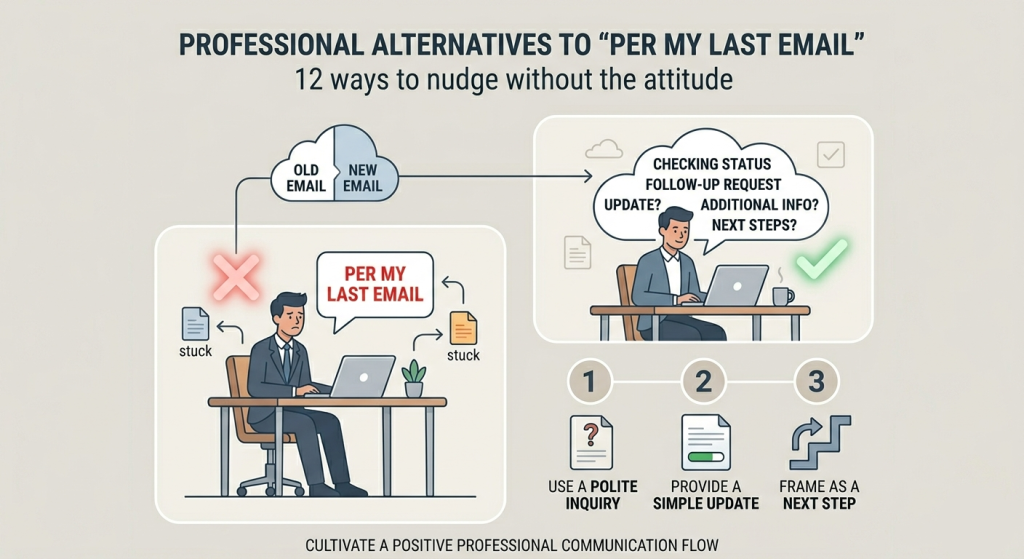
Professional alternatives to "per my last email": 12 ways to nudge without the attitude

Professional alternatives to "per my last email": 12 ways to nudge without the attitude

Per my last email" has become the ultimate corporate red flag for passive-aggression. While your frustration might be valid, letting it seep into your

Apr 7, 2026
How to Newsletter
Google Drive for Desktop Not Syncing? Step-by-Step Fix for File Upload Errors

Google Drive for Desktop Not Syncing? Step-by-Step Fix for File Upload Errors

Google Drive for desktop not syncing? Fix upload failed errors and G: drive connection issues with our 2026 step-by-step guide. Unblock your files now

Mar 24, 2026
How to Google Workspace